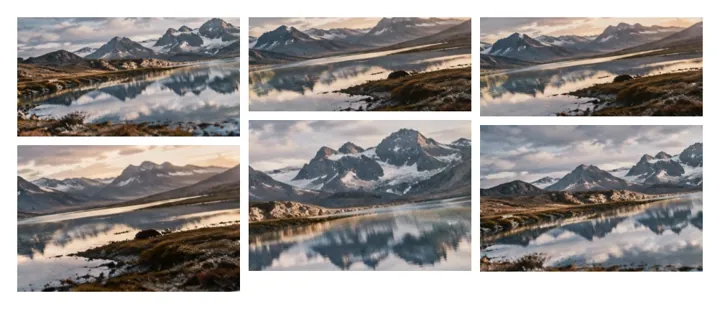
Packing many pictures without cropping any
With dozens of pictures of different shapes, a grid of identical cells would crop most of them. Packing instead gives every picture the same width and drops it into the shortest column, so portraits and landscapes interlock and every picture stays whole. Justified rows (Grid with matched heights) does the same across rather than down.
How to do it
- Drop the folder or the filesOnly pictures are taken; the rest of a folder is left unread.
- Put them in orderBy name, by date taken, or drag tiles in the tray.
- Choose columnsPack works out a count, or set it yourself.
- ExportWidth under Output for an exact size.
Where it stops
Past 48 pictures the board stops and says how many it left out. It does not pick a 'best' subset or recognise duplicates.
Questions people ask
Why is there a limit of 48 pictures?
Each picture is held as a working copy while you arrange, and a phone's browser tab has far less memory than a computer's. 48 (24 on an iPhone or iPad) keeps the board responsive; the export reads every original again, one at a time, so the file is still full quality.
Can I put them in the order they were taken?
Yes. Order → By date taken reads each JPEG's capture time from its EXIF data. Pictures without one use the file's date, and the board tells you how many did.
Can I drop a whole folder?
Yes. Drop a folder on the board, or use Add a whole folder. Only pictures are taken from it, in name order.
What if some photos are huge and some tiny?
Pack scales every picture to one column width, so a 48-megapixel photo and a small screenshot end up the same width. Nothing is enlarged past the smallest at Auto; if you set a larger width, enlarged pictures are flagged.
Will my browser run out of memory?
The working copies are small (no more than 1,280 px on the long side). The final file is capped at what a canvas can hold in your browser, and the board says when it reduces the size to fit.
Are the photos uploaded?
No. Every file is read and combined in this tab.