
blend, or place
Most of the confusion around putting two pictures together is one question left unasked. Does the second picture have edges of its own inside the finished frame? Answer that and the tool chooses itself.
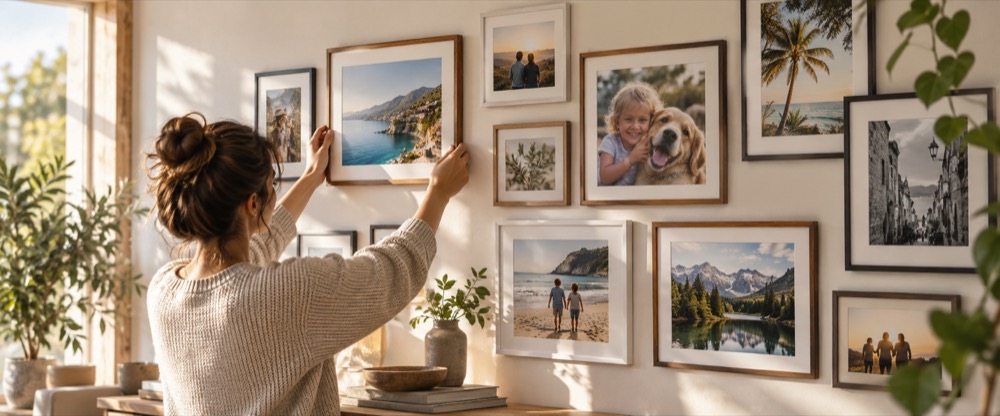
People arrive at a page like this one with a sentence in their head — put these two photographs together — and that sentence covers at least three unrelated operations. Two pictures can sit beside each other, each keeping its whole self, with a straight edge between them and nothing covered. One picture can be reduced to an element with a boundary and set down on another. Or two pictures can be made the same size, stacked exactly, and reduced to one frame in which every pixel is computed from the two beneath it. This site does the first on its board and the third in its blender; the second belongs elsewhere.
The test, in one question
Look at the picture you are imagining and find the second photograph in it. If you can point to where it starts and stops — a rectangle in a corner, a cut-out standing on a background, a badge, a stamp — then it is an element with its own bounds, and the blender is not the tool. If instead the second photograph is everywhere at once, present across the whole frame and varying only in how strongly it shows through, then it is a blend and the blender is the right place.
- Both frames whole
- Two pictures side by side, or stacked into a column, touching along a straight edge with nothing covering anything. Neither photograph is altered, and the result is wider or taller than either. That is the combine board on this site's front page — side by side, stacked or in a grid — and it is a different operation from blending, with its own controls.
- One element on top
- A logo in the corner, a sticker, a light-leak texture placed at a particular spot, a cut-out person dropped onto a new scene. The element is positioned, scaled and rotated within the frame, and it has edges. That is a placement job — a different kind of tool, built around a positioned layer rather than a full-frame one.
- Two frames mixed per pixel
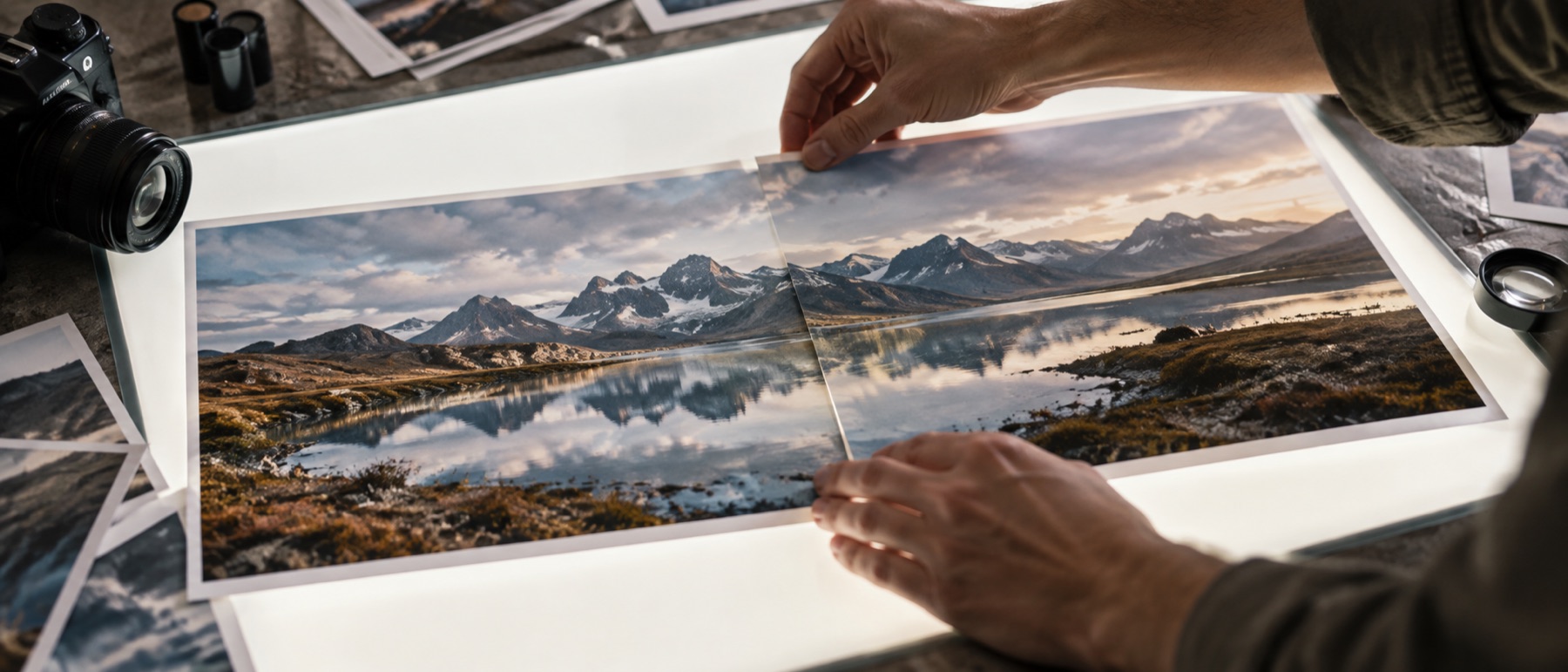
- A double exposure. A portrait fading into a landscape. Two frames multiplied to see where they agree. Every pixel of the result is a function of two pixels, and the second photograph has no boundary of its own anywhere. This is the operation the blender implements.
Why the boundary is drawn there and not elsewhere
It would be easy to add free positioning to the blender. The layer already has a scale and two nudges; letting it move anywhere and stop short of the edges is a smaller change than most of what is already here. It is deliberately not built, and the reason is that the two operations want opposite controls at every level. A positioned element needs precise coordinates, rotation, corner handles, snapping and a z-order. A blend needs none of those and needs instead a mode, a mask, a colour decision and an opacity that means something per pixel. A product that offered both would present two control sets and let you discover which half of them applied to what you were doing.
So the layer here is fitted to the whole frame by cover, contain or stretch, and the nudge is limited enough that it cannot turn into a placement. The constraint is not a missing feature. It is the product boundary expressed as a limit on a control, which is the only place a boundary ever really holds.
The practical consequence, stated plainly: you cannot put a logo in the corner of a photograph with the blender. The layer occupies the entire frame by construction, so the smallest mark you can make with it is a full-frame wash. The board’s free arrangement can set whole pictures anywhere on a canvas, but it has no opacity, blend or mask per picture, so a watermark or a translucent overlay is still another tool’s job.
If you are here for a fade rather than a placement
A fade sits exactly in the middle of the confusion and is worth calling out, because it looks like a placement and behaves like a blend. Two photographs where one dissolves into the other across the middle of the frame are not two elements with a soft edge between them; they are one frame in which the mix varies from place to place. That is what the gradient mask does, and it is why a tool with only an opacity slider cannot produce the picture however far the slider is pushed.