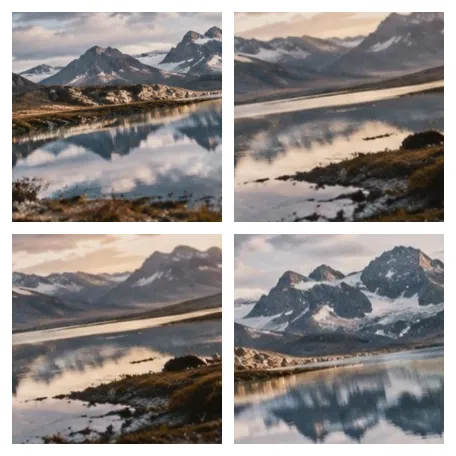
A grid decides one thing: what happens to shapes that do not fit
Photos rarely share a shape. A grid of identical cells either crops each one to fill its cell or shows it whole with space around it. This page starts with square cells cropped to fill, because that is what most grids want — and it says, cell by cell, how much each crop takes away, so a 40% crop of a portrait is a decision rather than a surprise.
How to do it
- Add the photosThree, four, nine — the grid works out a shape from the count.
- Pick a cell shapeSquare suits a post; 4:5 or 3:4 suits portraits.
- Check what each cell keepsDrag inside a cropped cell, or select it and use the arrow keys.
- ExportChoose a preset such as Instagram square under Output, or type a width.
Where it stops
A grid cell holds one whole picture. Mosaics, irregular collage shapes, stickers and frames are not part of this tool.
Questions people ask
What happens with an odd number of photos?
The last row is short. Short last row under Layout puts it at the left, centre or right. Set the columns yourself to change the shape: five photos as 3 + 2 or 2 + 2 + 1.
Crop or pad — which should I use?
Fill & crop makes every cell full and cuts the overhang; each cropped cell shows the share it loses, and you drag inside it to choose what stays. Show all keeps every photo whole with background around it — or a blurred copy of the photo, under Background, for the look without white bars.
How do I choose rows and columns?
Leave them on Auto and the board picks a near-square grid for the count (four photos make 2 × 2, nine make 3 × 3). Set Columns for a fixed shape; Rows limits the grid, and pictures that do not fit stay in the tray, dimmed, out of the file.
Can each cell have a caption?
Yes. Turn on Captions: your own text, the file name, a number, or both, below or over each photo.
Will it cut someone's head off?
It might, with Fill & crop — which is why each cropped cell says so. Keep faces inside the crop asks the browser's face detector, where it has one, and moves each cell's focus to keep the faces; where it has none, every cell says faces not checked.
Are my photos uploaded to make the grid?
No. The grid is laid out and written in this browser tab.