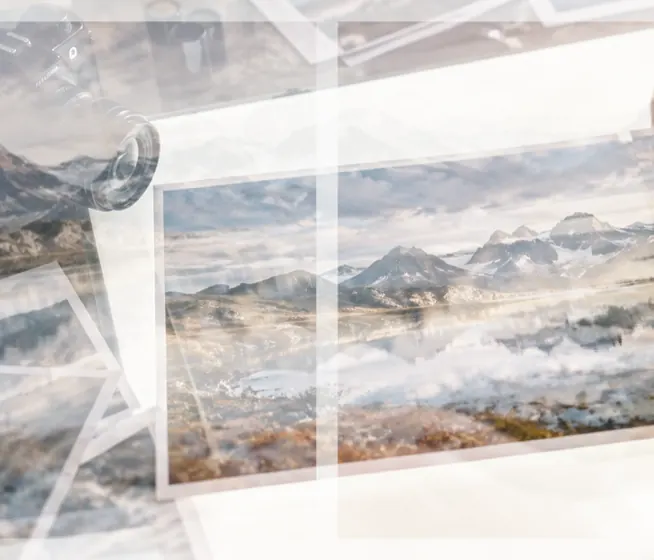
Many photos, one frame, every pixel mixed
Blending two photos is a slider. Blending eight is a different problem: they rarely share a shape, and the controls stop telling you what happens — six frames at 70% screen and the last two change almost nothing. This page puts every frame into one rectangle with a fill decided per frame, mixes them, and then measures each one's actual contribution by composing the stack again without it.
Blending a set
- Choose the photosThree to sixteen; the first is the bottom of the stack.
- Pick how they combineA blend mode with weights, or a mean, median or lighten.
- Stack and read the rowsEach row says how the frame was placed and how much of the result it is.
- SaveThe stack, or a ZIP with every frame as it landed.
Where it stops
Alignment is translation only — no rotation, no perspective, no lens correction — so a handheld burst with a tilted frame will ghost at the edges. There is no generative merging: the result is arithmetic on your pixels.
Questions people ask
How do I blend several images together?
Choose three to sixteen photos. They all fill one rectangle and mix into one picture — with a blend mode (each frame mixed into the ones below at its own weight), or with a per-pixel mean, median or lighten.
What do mean, median and lighten do?
Mean averages every frame at each pixel, which lowers noise in a burst of the same scene. Median takes the middle value, so anything that moves between frames — people walking through, cars — disappears. Lighten keeps the brightest value, the classic light-trail and star-trail composite.
Do the photos need to line up?
For mean and median, yes — they are meant for shots of the same scene. Line every frame up with the first is on by default: each frame is shifted (never warped) to match the first, and its row says how far it moved, or that the match was ambiguous.
Why does one of my photos barely show?
Because a weight is a request, not an outcome. After the stack is composed, it is composed again without each frame and the difference is measured; that number is how much of the result the frame really is. A frame that rounds to nothing is marked buried.
What happens to photos of different shapes?
One fill policy is chosen for the set and decided per frame: crop to fill, fit whole and pad, or crop unless it would cut a face. Nothing is stretched, and every row reports the pixels it lost.
How many photos can I blend?
Up to sixteen. A median holds every frame at once, so for a large set it is worked at a size the tab can hold, and the output size says so.
Are my photos uploaded?
No. Every frame is decoded, placed and mixed in this tab.