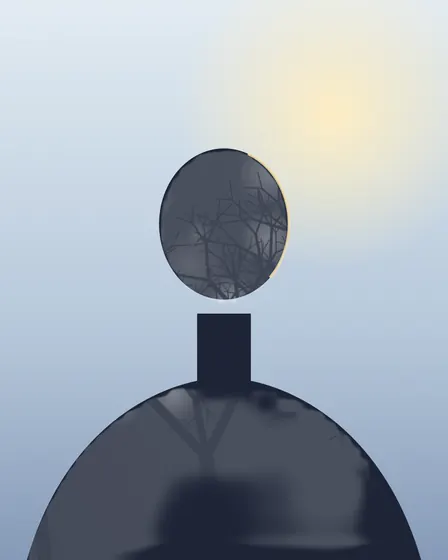
The silhouette, found rather than keyed
The classic double exposure effect depends on the portrait having a bright, plain background: the texture is keyed to the bright parts, so it fills the sky and spares the face — or the other way round. A busy background breaks that. Here a small person-finding model draws the subject's outline instead, the texture is multiplied by that outline, and what lies outside it is the base, white or black. The mask is a soft field over the whole frame, not a cut-out, so it can be painted.
Making it
- Load the portrait, then the texturePortrait in the base slot, forest or city in the layer slot.
- Find the personOne press, after you agree to the 5.9 MB download.
- Refine the edgesPaint in or out where the outline missed or spilled.
- Choose the outside and exportBase, white or black around the silhouette.
Where it stops
The model is small and quick, which means soft, approximate edges — fine hair and fingers need the brush. It finds people only, not pets or objects. Nothing is generated: the result is your two photos and a mask.
Questions people ask
How is this different from the ordinary double exposure?
The ordinary recipe lets the texture show wherever the portrait is bright. Here a person-finding model draws the person's outline first, and the texture is confined to it — so it works on any background, not only a plain bright one.
What is the model, and how big is it?
PP-HumanSeg (Apache-2.0), 6,163,938 bytes (about 5.9 MB), downloaded once from our model file server after you agree, plus the runtime that runs it (about 13.4 MB, from this site). Both are kept in your browser; nothing about your photo is sent anywhere.
The outline is rough around the hair. Can I fix it?
Yes. Turn on Paint the mask (in the Mask panel): Paint in brings the texture back where the outline missed, Paint out removes it where it spilled. Size and hardness are adjustable, and Undo stroke takes back the last one.
Can the background be white like a print?
Yes. Outside the silhouette can show the base photo, or go white or black — the classic double-exposure poster look.
What if there is no person in the photo?
The page says so and leaves the photo as it was. The classic recipe still works: raise Key to the base's highlights so the texture shows only in the bright areas.
Are my photos uploaded?
No. The model comes to your browser and runs on your device; both photos stay in this tab.